A collection of solutions, ideas, and insights into problems you probably didn't know existed with Modern Endpoint Management products.
Using our best friend the remediation script in Intune to pull back Safeguard Hold information so we can see why some devices aren’t updating to Windows 11.
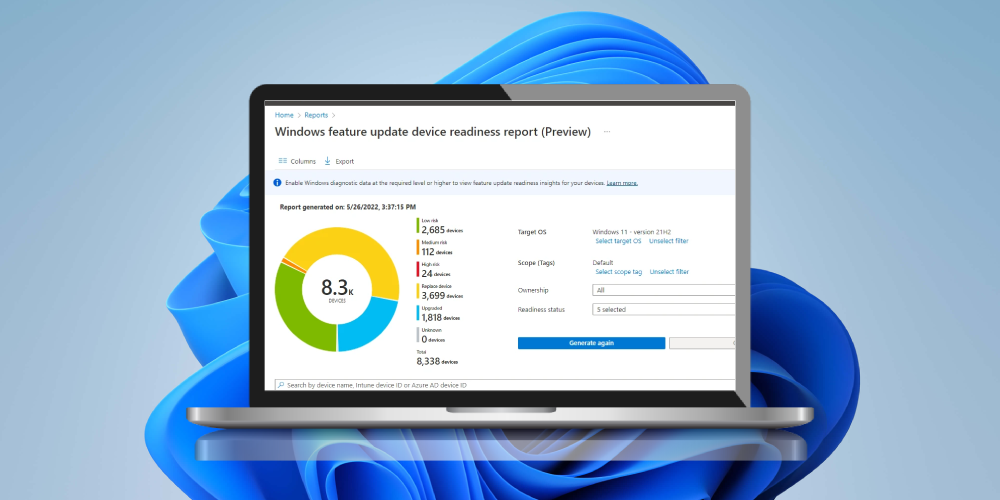
As a migration to Windows 11 is fast upon us, I thought I’d help your devices on their way into understanding whether they will support Windows 11 and what risks you may encounter with the update, by forcing devices to evaluate their readiness states.
Achieving Cyber Essentials Plus accreditation isn’t the easiest across your whole organisation, but with Microsoft Intune you can enforce zero trust for your corporate managed Windows devices, for the key areas of the security framework using Custom Device Compliance.
So you’ve got a restrictive Windows Firewall, and you’re only allowing traffic to endpoints over either Domain or Private network locations, what happens if an end user doesn’t allow for network discovery and the device is left thinking it’s on a public network?
Can we improve upon the onboarding of Android Enterprise devices to Defender for Endpoint and make users lives a little easier, and Security Teams hearts a little less restless having to rely on end users to implement their own security controls?
Making your users lives easier with Android Enterprise enrolment into Intune, allowing them to use mobile data or a configured wireless network.
What are the actual settings you require to allow for BitLocker recovery key rotation from the Intune console? Which BitLocker profile support the key rotation settings? Are these settings actually documented anywhere? Well yes, they are now.
 odds+endpoints
 Nick Benton on